
What's new in Voluum?
Keep up with everything from big updates & new features to small fixes & changes.
See how we make the best ad tracking software better = month after month!
Please enter at least 3 characters to start search
Search results
We're sorry 😔
We couldn’t find results for ""
September 2026 update: Voluum MCP
This year’s biggest feature drop: MCP. This is an open standard for connecting AI agents with 3rd party software. Kind of a USB for AI. We developed MCP for Voluum to enable you to harness the power of AI agents you already use.
Get morning briefs, executive summaries, Slack notifications, and in-depth analysis. Connect Voluum and feed your AI with your campaign data with no clicks. Use the AI agent you already pay for and trust.
Voluum MCP works with the following AI agents:
…and any other solution that support MCP.
August 2026 update: Google Enhanced Conversions & RollerAds integration
Google Ads is one of the most commonly used sources of traffic for our clients, so we looked into our integration with it… and made it better. Conversions now go through Data Manager. This means more signals, more data for media buying algorithms, and better tracking for you.
We also built an integration with RollerAds that lets you check the status of your RollerAds campaigns, pause or resume them, and sync cost for the zone variable.
July 2026 update: Personalized tracking guide & more!
Continuing our effort to make Voluum a more intuitive platform to use, we’ve added an option to generate and download a personalized campaign tracking guide as a PDF. This isn’t a generic document; the guide contains scripts and tokens for your concrete campaigns.
We’ve also refreshed the way notifications in Voluum work, look… and feel.
The guide can be found in Quickstart and in the campaign setup summary.
June 2026 update: Adding new element form improvements
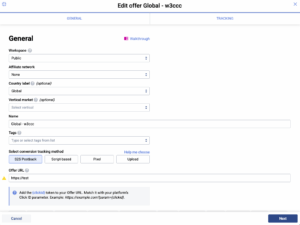
This update introduces a few quality-of-life updated to the form that appears when adding a new campaigns, lander, offer, or affiliate network. The goal is to make it clearer to users what each tab is for, whether they’re creating or editing, and what each button will do.
- General (and Destination for advanced campaigns) = the setup – this is where you build or edit the entity itself.
- Tracking = the results – the info needed to link the entity with other platforms/summary.
- Save – shown when creating something new.
- Update – shown when editing an existing entity.
- Close – shown when nothing was changed (just viewing existing entity).
- Next – moves to the next tab.
April 2026 update: Unified Tracking Scripts
The biggest update to the core tracking mechanisms in years comes in the form of the tracking script unification. Before, Voluum had two distinct tracking scripts that were designed for different parts of the campaign funnel: lander tracking script and offer tracking script.
This update unifies the two scripts into one Campaign Tracking Script. The goal of this update is to reduce friction when setting up tracking for the first time.
March 2026 update: In-panel guidance and test mode
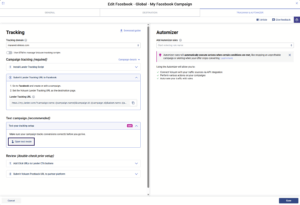
This was one of the most anticipated updates: the in-panel guidance that provides contextual links to docs, instructions, and graphics reduces friction for less experienced Voluum users and assist them in the campaign creation process.
The updated test mode solves one of the biggest hurdles that marketers may have: creating a working and error-free setup without costly trial and error process. The updated test mode allows marketers to test various funnels (redirect and direct) that either include a lander or not. What’s important is that the test mode doesn’t pollute your data: meaning that all these test visits and conversions will not be included in your reports, keeping them clean.
Find a test mode in the campaign creation form and follow the on-screen instrucitons.
October 2025 update: Affilka (by SOFTSWISS) integration
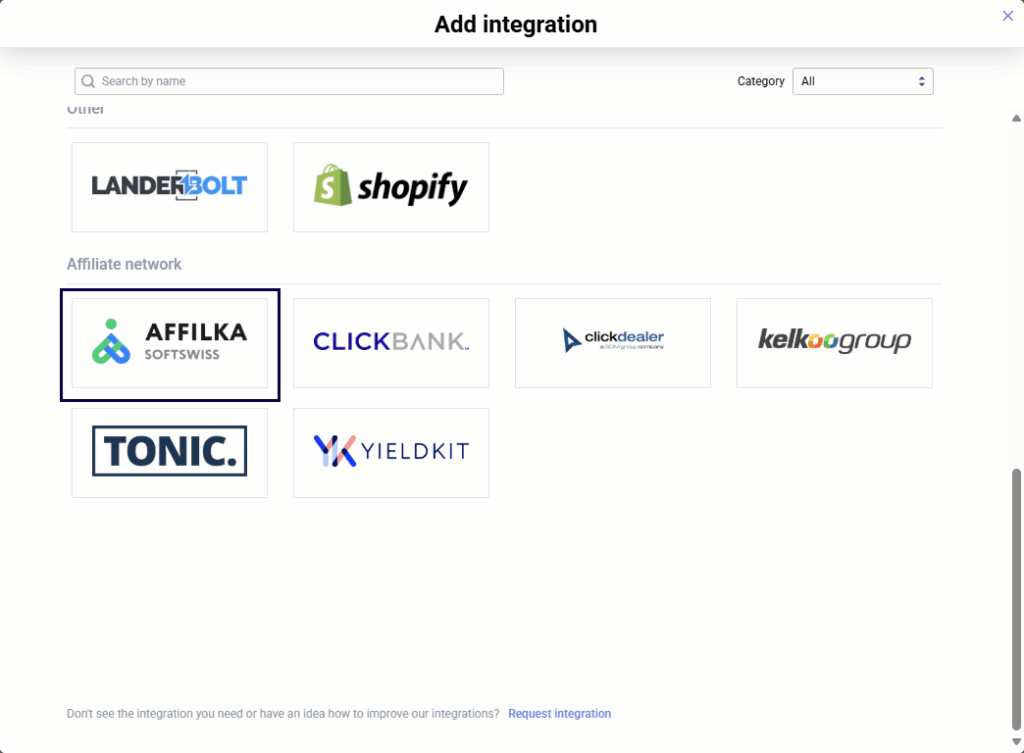
As part of our iGaming Hub initiative, this integration allows affiliates to pull complete player reports directly into Voluum — something postbacks alone could never provide. Integrate and aggregate all data in one place, attribute registrations and FTDs to original clicks, optimize with unparalleled precision, and keep a keen eye on cost and profit ratio.
The integration with Affilka is available on accounts with the Enterprise plan and above. Go to Advanced / Integrations and click New integration. Find Affilka, provide the statistics token and program URL. That’s it!
June 2025 update: Integration for Workers
Integration for workers is the last missing piece of the precise Collaboration Tools mechanism. It gives you an option to assign a Worker the right to manage ad network Automizer integrations.
What this means that your Workers could create new or fix existing integrations, keep tabs on usage, fix campaign mappings, and take on other tasks that you can delegate on them.
Allow your workers to manage Automizer integrations such as:
- Meta
- TikTok
- PropellerAds
- Bing
- Yahoo
- others
May 2025 update: Quality of life improvements
This month we’ve introduced several small improvements that should make using Voluum a better experience:
- Better conversion tracking guidance in the Offer form
- Validation in the Offer URL input
- A pop-up with an infographic that shows the proper setup of passing the click ID in the Offer URL.
- Search bar improvements
April 2025: Drag & Drop reports
Organize your work in Voluum the way you like it: drag & drop report tabs to put them in desired order.
Click the padlock button to enable edit mode. Then, drag reports to a desired location and hit the padlock icon again.

Get Voluum – the constantly updated ad tracker!
 Facebook
 Telegram