
10 Best Conversion Tracking Software in 2026 (Compared)

Conversions go missing in four places: in the visitor’s browser, between the offer and your tracker, between your tracker and the ad platform, and offline, on a phone call or in a CRM. Most tools plug one or two of those holes. None of them plugs all four on its own.
That’s the lens for this list. Instead of ranking ten trackers against each other, we look at conversion tracking software by the job it does at the moment of conversion: taking S2S postbacks, sending conversions back to ad platforms through a Conversions API, importing offline conversions and filtering out fake ones. If you’re choosing a campaign tracker specifically, our comparison of ad tracking software covers that side.
Disclosure: Voluum publishes this blog and appears on this list. Every tool is described with the same template, including its limits.
Where Conversion Tracking Breaks
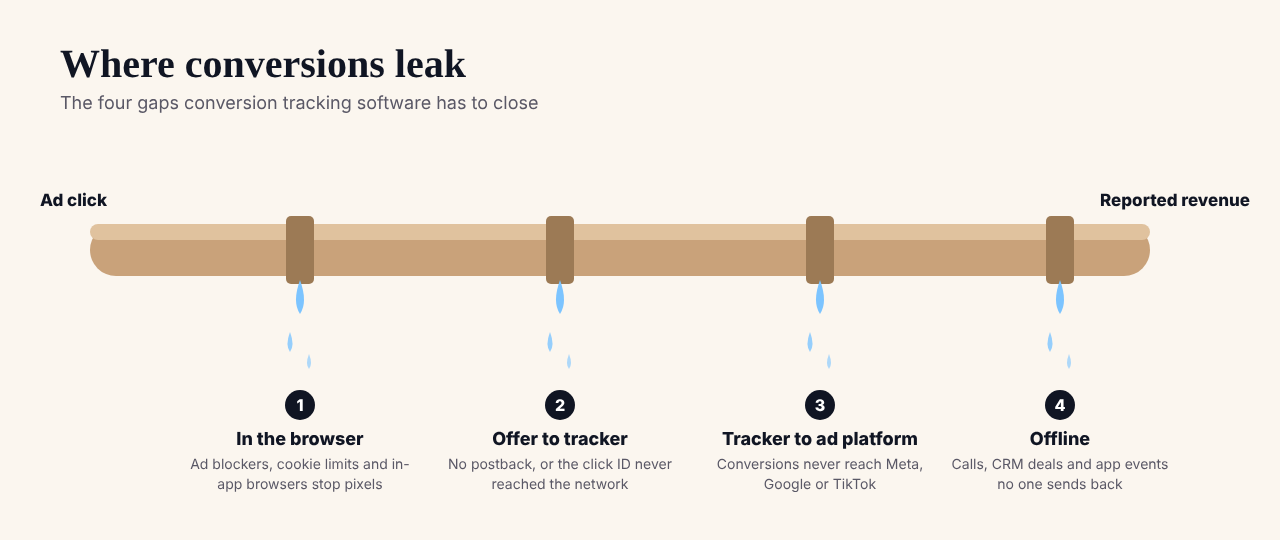
Each gap needs a different kind of conversion tracking software. Browser losses are fixed with server-side methods, as explained in our guide to server-side tracking. The gap between offer and tracker is closed by S2S postbacks. The gap between tracker and ad platform is closed by Conversions APIs. And offline conversions need an import into the platform that should learn from them.
How We Chose and Compared the Tools
We picked ten conversion tracking tools that together cover all four gaps, from dedicated trackers to the platforms’ own free tools. Voluum we know from the inside. For everything else, we used vendor documentation and official pricing pages, checked in November 2026, at regular prices without seasonal promotions. Where a vendor doesn’t publish a price, we say so.
Each tool is judged on the same conversion-level questions: can it receive conversions server-to-server, can it send them to ad platforms, can it import offline conversions and does it filter invalid traffic?
Conversion Tracking Software Compared
| Tool | Type | Receives S2S postbacks | Sends conversions to ad platforms | Offline or CRM conversions | Starting price |
|---|---|---|---|---|---|
| Voluum | Ad tracker | Yes | Not on the entry plan | Conversion upload | $119/mo, billed annually |
| RedTrack | Ad tracker | Yes | Yes, on every plan | – | $169/mo |
| Stape | Server-side tagging host | Webhooks | Yes, through server-side tags | Yes | Free; Pro $20/mo |
| Google Ads conversion tracking | Platform-native | – | Enhanced conversions | Offline conversion import | No separate fee |
| Meta Events Manager and Conversions API | Platform-native | – | Is the Conversions API | Offline events | No separate fee |
| Google Analytics 4 | Analytics | – | Exports conversions to Google Ads | Data import | Free; GA4 360 is paid |
| CallRail | Call and form tracking | – | Yes, through integrations | Yes, calls and forms | $50/mo billed yearly, plus usage |
| AppsFlyer | Mobile measurement partner | Sends postbacks to ad networks | Yes, through partner integrations | – | Free Zero plan; Growth $0.07 per conversion |
| Cometly | Attribution for B2B SaaS | – | Yes | CRM integrations | Quoted by pageviews |
| CHEQ | Invalid traffic and fraud filtering | – | – | – | See vendor pricing page |
A dash means we couldn’t confirm the capability in the vendor’s public documentation, not that it doesn’t exist. Prices come only from official pricing pages, checked in November 2026.
The 10 Best Conversion Tracking Software Tools in 2026
1. Voluum
Best for: Affiliates and media buyers tracking conversions from offers they don’t own, across many traffic sources
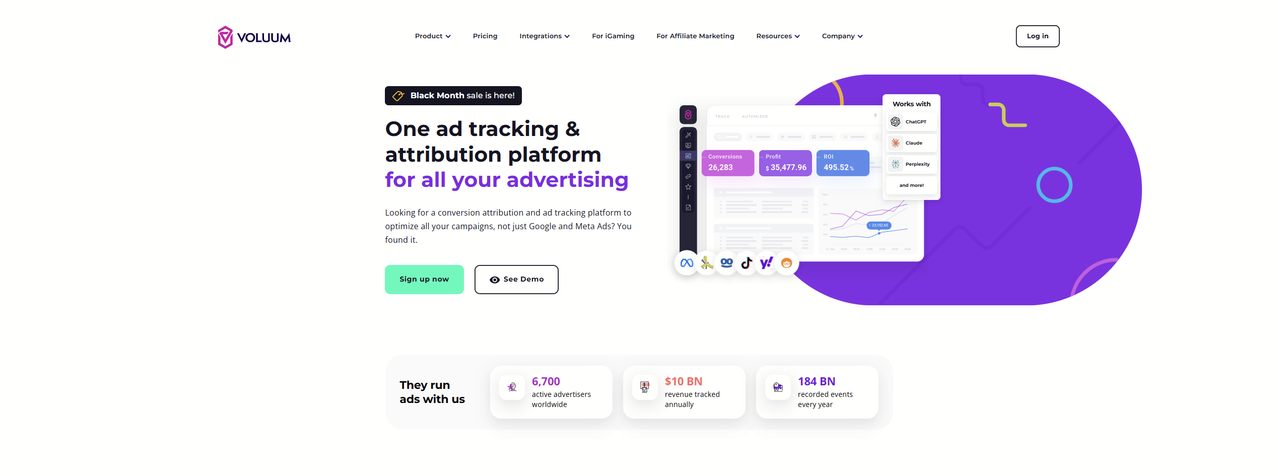
Voluum gives every visit a click ID, receives conversions from affiliate networks by S2S postback and supports custom conversion types, so registrations, first deposits and upsells can be counted separately. It can pass conversions on to traffic sources with traffic source postbacks, and Anti-Fraud Kit flags suspicious traffic before it eats your budget.
Limits: Conversions API integrations with ad platforms aren’t included on the entry plan, and pricing is based on monthly events.
Pricing: From $119 a month, billed annually. (Voluum)
2. RedTrack
Best for: Affiliates and e-commerce teams who want Conversions API included from the first plan
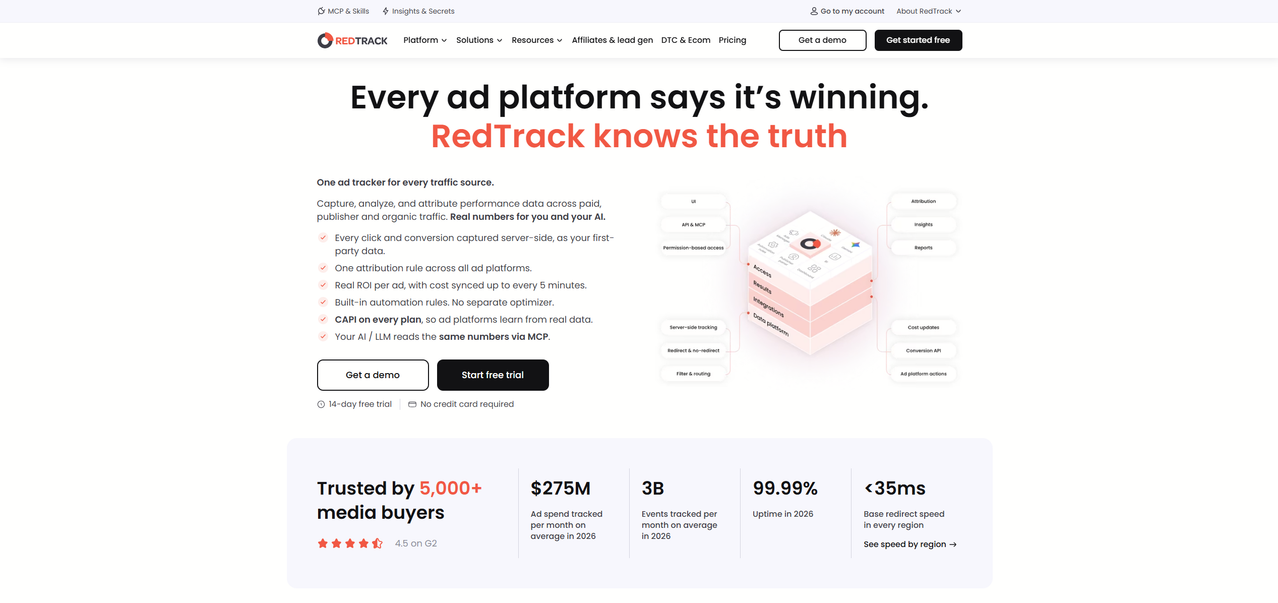
RedTrack receives S2S postbacks, syncs ad-level spend and includes native Conversions API connections to Meta, Google, TikTok and several other platforms on every plan. For networks without a native API, it forwards conversions received by postback.
Limits: Event limits and paid add-ons for faster spend sync and automation can raise the effective cost.
Pricing: Solo costs $169 a month with 5 million events. (RedTrack)
3. Stape
Best for: Advertisers with their own website who want server-side tagging without managing cloud servers
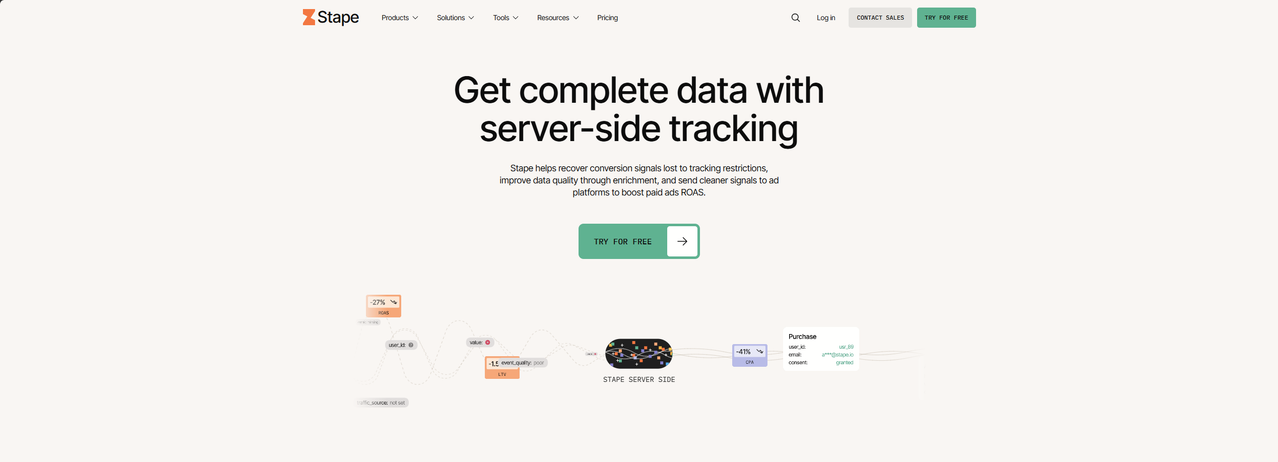
Stape hosts server-side Google Tag Manager containers, so your site can send events to its own server, which then forwards them to ad platforms and analytics. Its plans include tools for offline conversions and webhooks, and paid plans add bot detection.
Limits: One subscription covers one container and site, and you still need someone who knows Google Tag Manager to build the setup.
Pricing: A free plan covers up to 10,000 requests a month. Pro costs $20 a month, or $17 billed annually, for up to 500,000 requests. (Stape)
4. Google Ads conversion tracking
Best for: Anyone advertising on Google who needs Smart Bidding to learn from real conversions
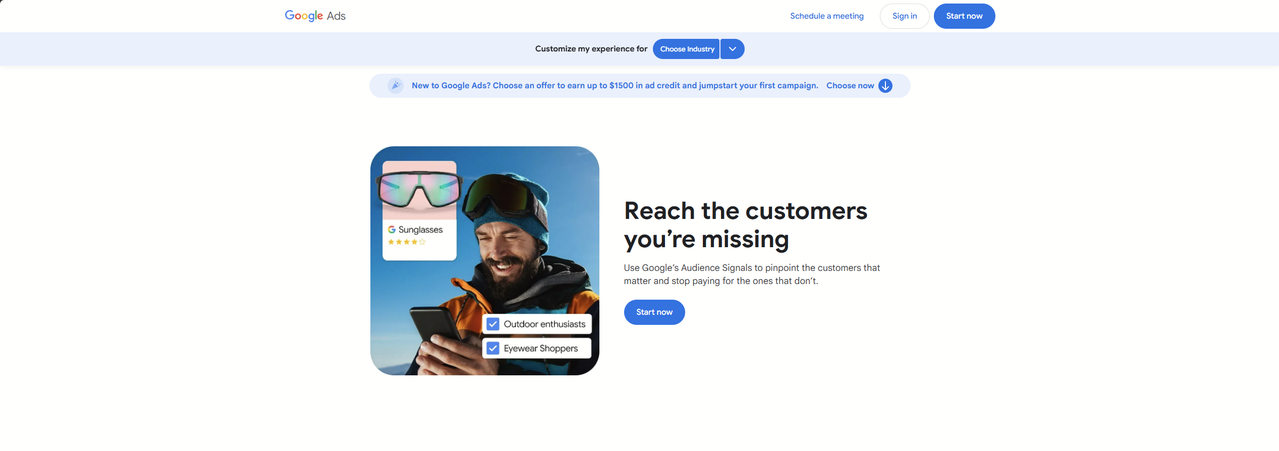
Google Ads tracks conversions with its own tag, recovers more of them with enhanced conversions and accepts offline conversion imports tied to the GCLID, so sales that happen later, by phone or in a CRM, still count. Our guide to GCLID data explains how that ID makes the match.
Limits: It only measures and optimizes Google’s own campaigns, and it applies Google’s attribution model.
Pricing: No separate fee; it’s part of Google Ads. (Google Ads conversion tracking)
5. Meta Events Manager and Conversions API
Best for: Advertisers on Facebook and Instagram
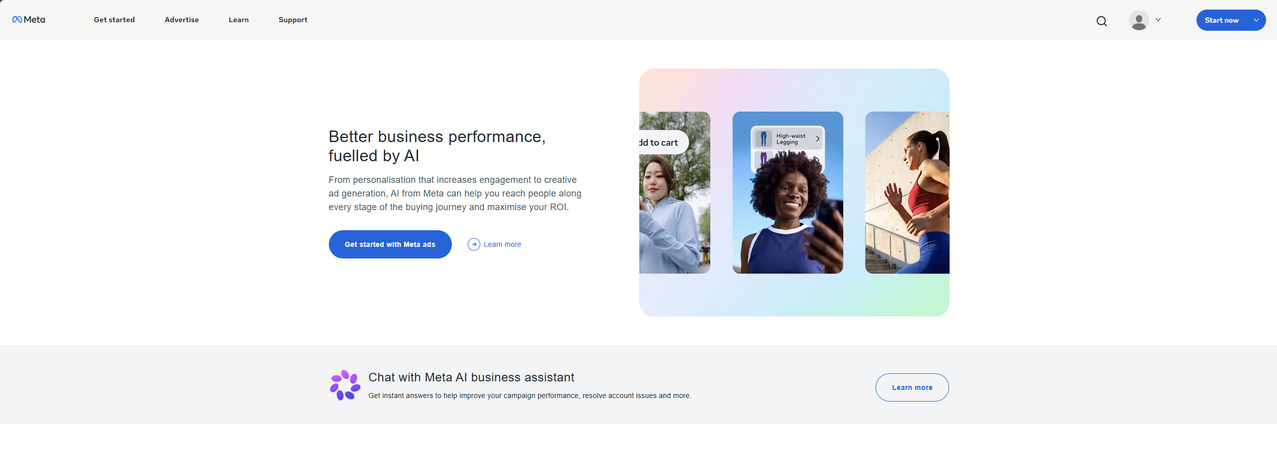
Events Manager is where Meta’s pixel and its Conversions API come together. The API sends conversions from your server, deduplicates them against pixel events and supports offline events, which matters more every year as browsers block more pixels. Our Conversions API guide walks through the setup.
Limits: Direct integration takes development work, and data only improves Meta’s own optimization and reporting.
Pricing: No separate fee; it’s part of Meta’s advertising tools. (Meta Events Manager and Conversions API)
6. Google Analytics 4
Best for: Measuring conversions on your own site across all channels
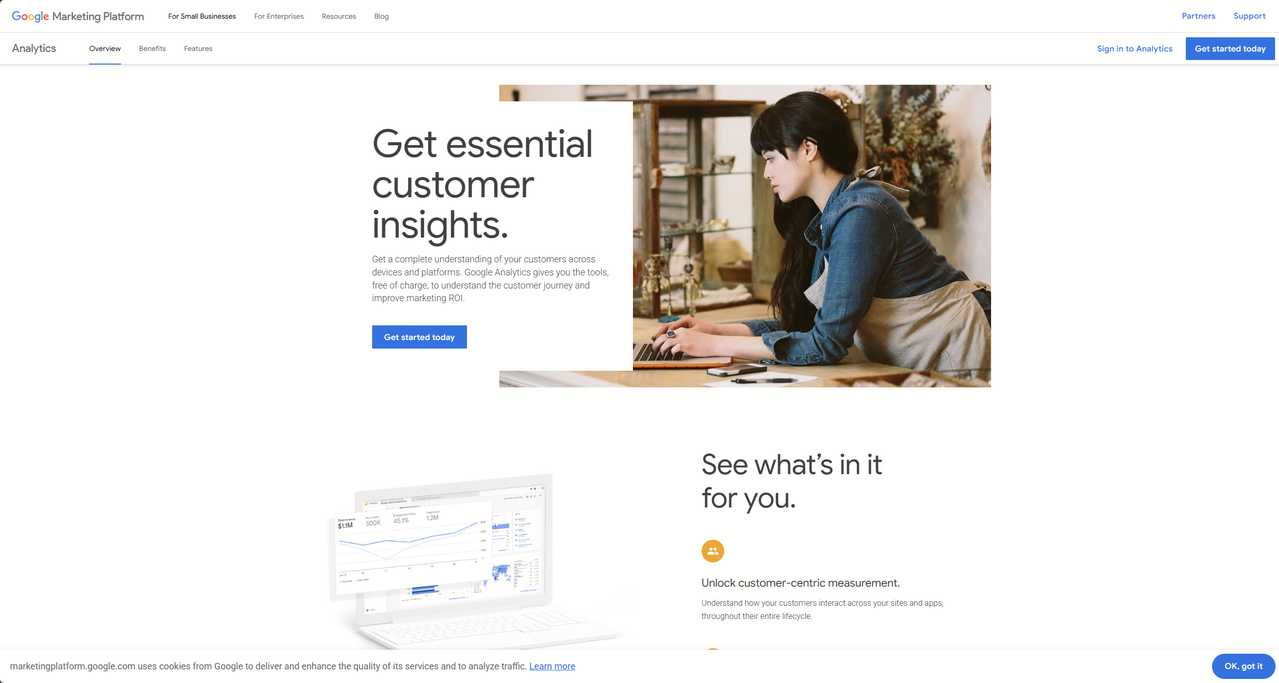
GA4 tracks key events across organic, paid and direct traffic, imports offline data and shares conversions with Google Ads. It gives a whole-site view that ad platforms and trackers don’t.
Limits: It isn’t built for affiliate offers you don’t own, it doesn’t take postbacks from affiliate networks, and it doesn’t import costs from most ad networks.
Pricing: Free. GA4 360, the enterprise version, is paid. (Google Analytics 4)
7. CallRail
Best for: Lead gen businesses where many conversions happen on the phone
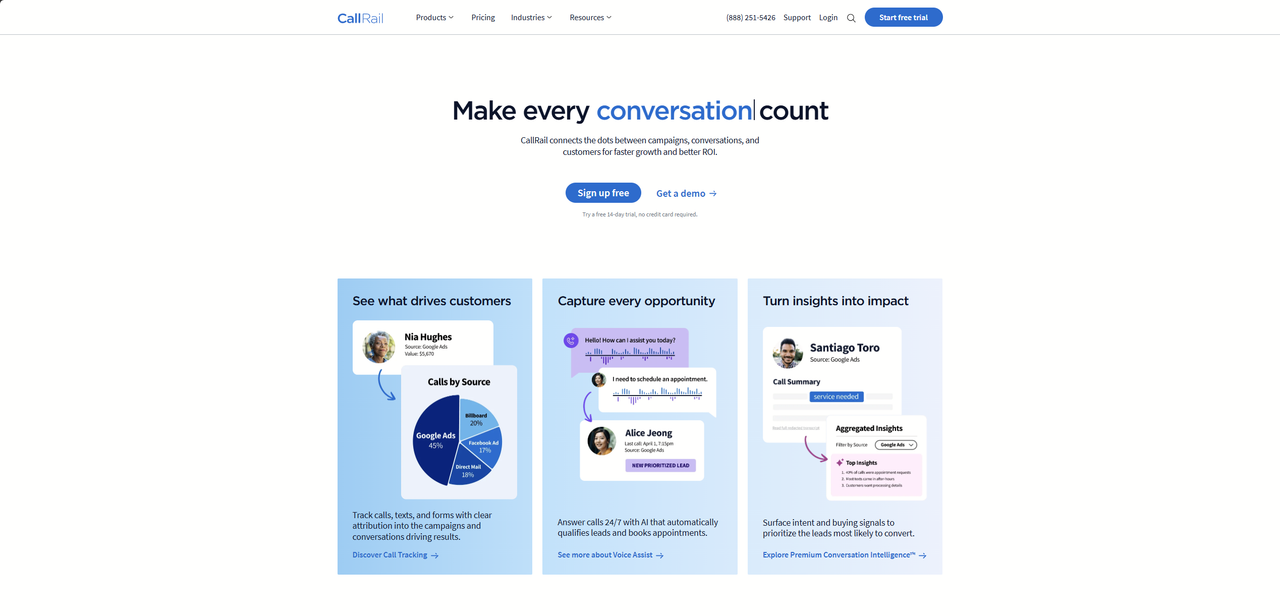
CallRail assigns tracking numbers to sources and campaigns, records and transcribes calls, tracks forms on higher plans and sends call conversions to ad platforms, so a phone lead counts as much as a web form.
Limits: It covers calls, texts and forms rather than full campaign tracking, and usage beyond included minutes and numbers costs extra.
Pricing: Lead Tracking costs $50 a month billed yearly, plus usage, with 5 numbers and 250 minutes included. (CallRail)
8. AppsFlyer
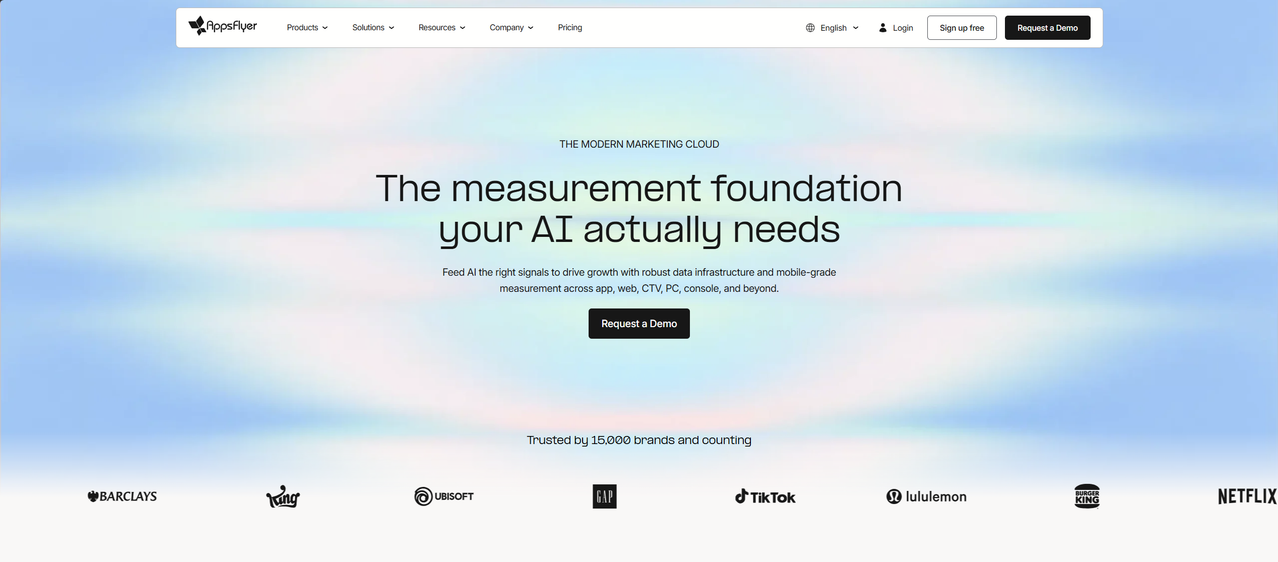
Best for: Mobile apps that need install and in-app conversion attribution
AppsFlyer is a mobile measurement partner. It attributes installs and in-app events to the ad networks that drove them and sends postbacks back to those networks so their algorithms can optimize. Our guide to mobile attribution covers how it fits with a tracker.
Limits: The free Zero plan doesn’t attribute paid campaigns, and advanced features such as fraud protection are paid add-ons.
Pricing: The Growth plan costs $0.07 per conversion after a Welcome Package of 12,000 free conversions in the first year. (AppsFlyer)
9. Cometly
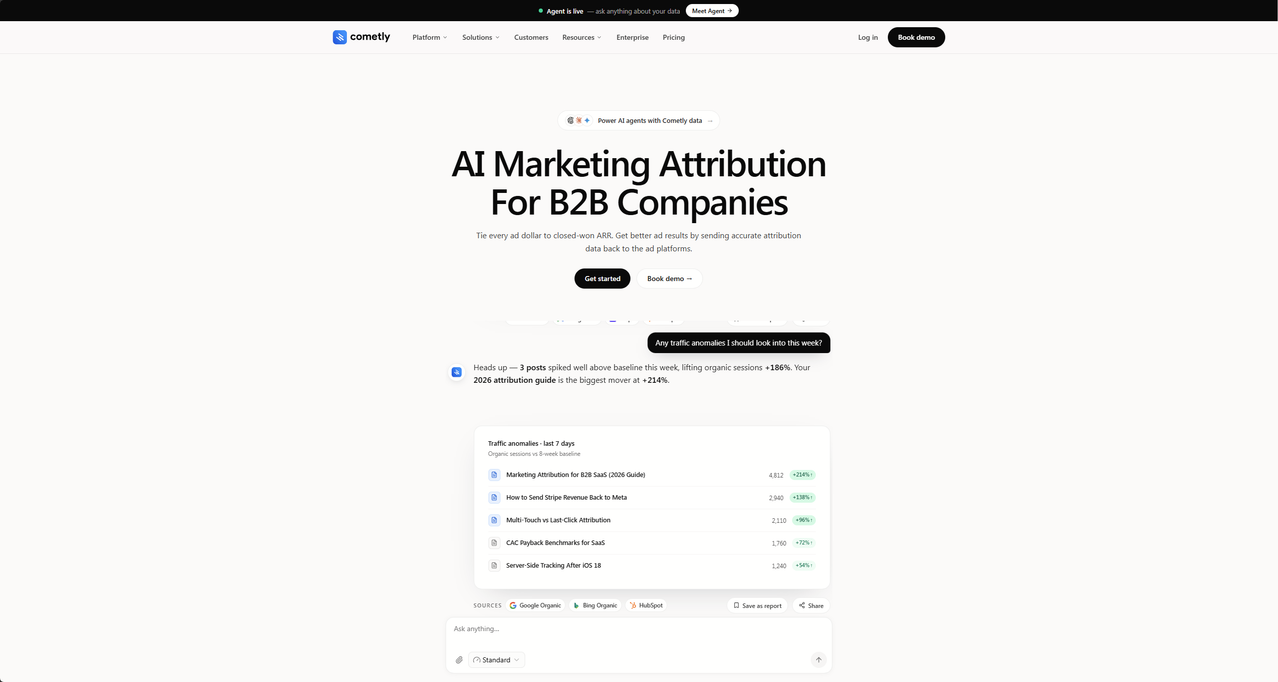
Best for: B2B SaaS teams attributing pipeline and revenue to ad spend
Cometly combines its own pixel, server-side tracking and multi-touch attribution, and sends conversions back to ad platforms. Its focus is connecting ad clicks to CRM pipeline and revenue.
Limits: It’s built for B2B SaaS rather than affiliate or high-volume media buying, and prices aren’t published.
Pricing: Usage-based and quoted by monthly pageviews after a demo. (Cometly)
10. CHEQ
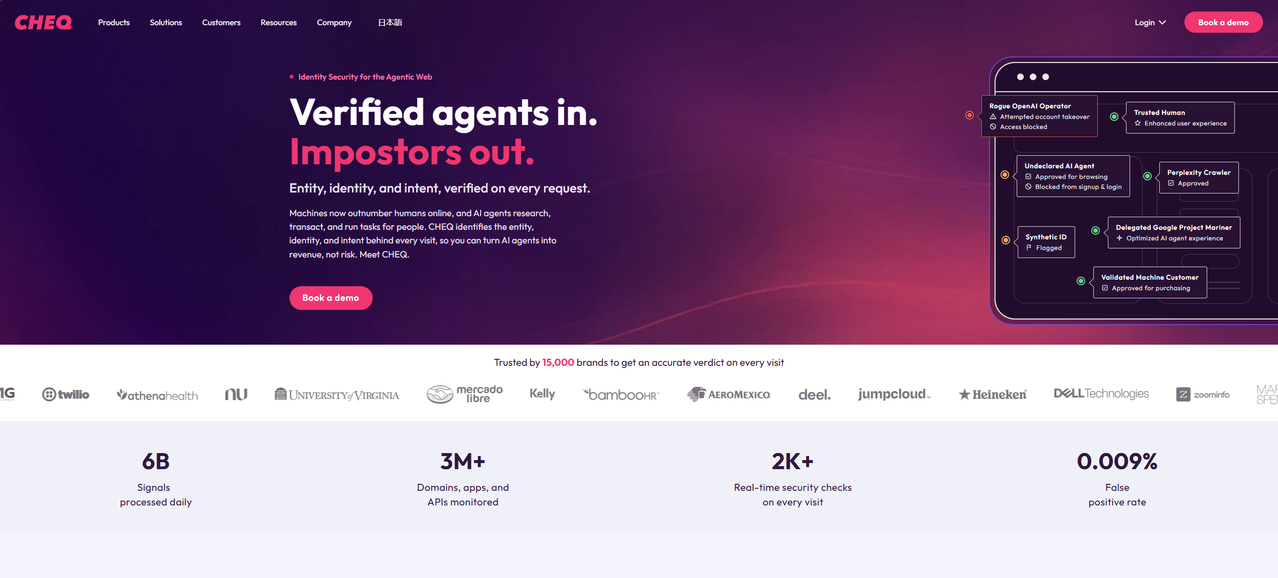
Best for: Keeping invalid clicks and fake leads out of your conversion data
CHEQ detects bots and invalid traffic and can block them from ads and forms, so the conversions you report and send back to ad platforms come from real people. Clean data matters more as AI agents and ad fraud add noise.
Limits: It doesn’t track conversions itself; it protects the data your other tools collect.
Pricing: Not published on the main site; see the vendor’s pricing page. (CHEQ)
How to Combine Them: Three Example Stacks
Because each tool closes different gaps, most teams use two or three conversion tracking tools together. Three common combinations:
- Affiliate media buyer: a tracker such as Voluum or RedTrack takes S2S postbacks from networks and passes conversions back to traffic sources, with the platforms’ Conversions APIs for Meta, Google and TikTok. Our TikTok guide shows the full loop on one platform.
- Lead gen with phone sales: a tracker or Google Ads for clicks, CallRail for calls and forms, and offline conversion import so Google and Meta learn from closed deals.
- Brand with its own site: Stape for server-side tagging, the platforms’ Conversions APIs fed from it, and GA4 for the whole-site view, with fraud filtering in front of everything.
Whatever the stack, compare numbers on the same attribution window and check the most common tracking issues before blaming a tool. For iGaming, our guide to tracking first-time deposits shows how to separate registrations from deposits.
Close the Gap Between Offer and Tracker
If you send traffic to offers you don’t own, the gap that matters most is the one between the network and your tracker. Voluum closes it with S2S postbacks and click-level attribution across every traffic source you buy from. Compare Voluum plans.
Frequently Asked Questions
What is conversion tracking software?
Conversion tracking software records when a visitor completes a valuable action, such as a sale, lead, deposit or app install, and connects it to the ad, campaign or channel that drove it. Depending on the tool, it receives conversions from affiliate networks, sends them to ad platforms, imports offline conversions or filters out fake ones.
What is the best conversion tracking software?
It depends on where your conversions happen. Affiliates and media buyers usually rely on a tracker such as Voluum or RedTrack, brands with their own site add server-side tagging like Stape, lead gen businesses add call tracking like CallRail, and app marketers use a mobile measurement partner such as AppsFlyer.
Are there free conversion tracking tools?
Yes. Google Ads conversion tracking, Meta’s Events Manager and Conversions API, and Google Analytics 4 have no separate fee, and Stape and AppsFlyer offer free plans with limits. Free tools usually cover one platform or one gap, so most advertisers combine them with a tracker.
What is the difference between conversion tracking and ad tracking?
Ad tracking follows the whole path from impression and click to conversion, with costs, so you can optimize campaigns. Conversion tracking focuses on the conversion itself: recording it reliably, attributing it to the right click and passing it to the platforms that need it. Most ad trackers do both.
How do I track offline conversions?
Capture a click identifier such as the GCLID when the lead arrives, store it in your CRM with the lead, and upload the conversion with that identifier when the sale closes. Google Ads, Meta and tools such as CallRail support offline or CRM conversion imports, so the ad platforms can learn from sales that happen later.



 Facebook
 Telegram


